

Text-to-Motion 3.0 sharpens prompt response and detail. Get tips on writing prompts, picking models, and adding AI animation to your pipeline.
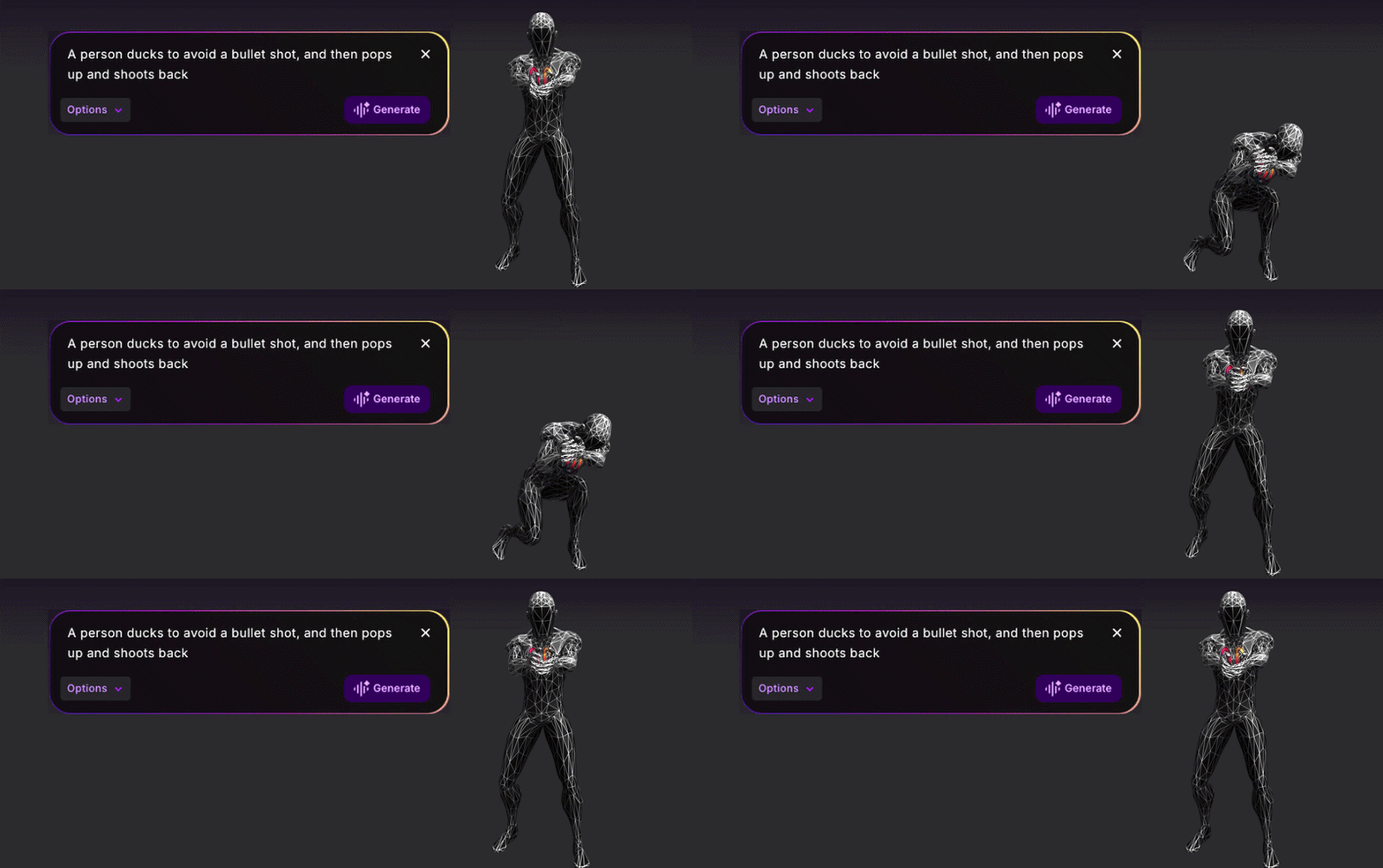
There's a difference between typing "character walks forward" and writing "she moves through the room like she's trying not to be noticed, weight low, steps careful, eyes scanning." The first is an action label. The second is explicit actor direction. Text-to-Motion 3.0 enables high-fidelity responses to the second kind of prompt — direction that contains both action and clear intent.
Text-to-Motion 3.0 is Uthana's highest-quality text-to-motion model to date, built specifically for technical animation users who require prompt responsiveness to actor direction, emotional state, and precise physical detail. If you have relied on text-to-motion for simple action generation, 3.0 gives you a new tier of creative and technical control. This post outlines what's changed, suitable use cases, integration considerations with existing models, and how to get started.
Text-to-Motion 3.0 serves users who need output shaped by the language and intent often given in actor direction: movement state, physicality, pacing, and contextual emotion. This is a significant update for AI animation workflows that otherwise depend on many refinement iterations for nuanced results.
3.0 extends Uthana's text-to-motion product line. Previous models remain available and relevant for projects with different requirements.
The release introduces four key technical improvements, each answering a capability gap in prior solutions.
Prompt adherence measures how closely the output motion matches the input direction. If the prompt is "character walks cautiously, pauses, looks over their shoulder, then continues with nervous energy," prompt-adherent models will follow those precise actions and transitions, not flatten them into a generic walk cycle.
This addresses the revision bottleneck in animation and game production. Using specific terms for pacing, attitude, and transitions is now fully supported, accelerating pipeline progress and reducing drift between intention and result.
Text-to-Motion 3.0 outputs more physically accurate, lifelike movement, cleaned-up for production integration. This is critical when output is imported directly into Maya, Blender, Unreal Engine, or Unity. Closer-to-final outputs reduce animator time spent fixing motion before it can be refined further. See more on Uthana's text-to-motion outputs and tool compatibility on the product page.
Prompts can be written in any language. This supports international teams by allowing motion direction to be described natively, maintaining creative accuracy and intent, without relying on intermediate English translation that can result in information loss.
Directing in the language of thought is now supported throughout the production pipeline.
Previous models were optimized for brief, action-specific prompts. Text-to-Motion 3.0 parses and acts on comprehensive direction—including mood, timing, body language, and performance specifics.
Describe multi-stage actions such as "character stumbles backward, catches themselves on one foot, arms out wide, then straightens slowly with visible effort." 3.0 uses this direction to drive each aspect of the output.
The model returns the best results from precise, descriptive input. Here is an outline for maximizing output quality.
Write the primary movement requirement explicitly: walk, run, stumble, dodge, collapse, celebrate, search, argue, crouch, reach. Anchor prompts in the action needed. Start from the format: "[character] performs [action] with [pace or energy]." Expand as needed.
Text-to-Motion 3.0 interprets emotional cues and applies them to the motion. Terms like nervous, confident, exhausted, playful, angry, cautious, or relieved will drive posture, rhythm, and gestural shifts. Use these to specify how the movement should read. "Walks confidently" versus "walks cautiously" will result in distinct outputs.
Explicit body language cues set clear technical constraints. Shoulder tilt, head angle, footwork, weight shifts, speed, and limb positioning define the read of the motion. For example, "leans forward, keeps arms close to the body, takes short uneven steps" gives actionable input beyond "walks nervously." Physical granularity informs output structure.
Order cues ("then," "before," "after," "gradually," "suddenly") make prompt order explicit. Text-to-Motion 3.0 resolves these transitions, enabling clear sequencing in generated clips. Keep prompts scoped to fit intended clip duration, using logical transitions instead of disconnected actions.
3.0 has higher cost and slower generation compared to earlier Uthana models. Model selection should be workflow-driven.
Deploy 3.0 when prompts involve emotional nuance, specific actor direction, complex body language, or multi-stage sequences. Use it for production-critical moments where physical and expressive quality are more important than speed—hero animations, cinematics, signature character actions, or shots requiring refinement and creative approval.
Use the earlier, faster models for brainstorming, rapid prototyping, simple utility actions, or generating multiple options at scale. For exploration, NPC library creation, or low-stakes motion evaluation, the lighter models reduce turnaround and cost. Model choice is about workflow context.
Animators can use 3.0 to start with a technically responsive raw performance and reduce overhead spent on blocking and initial performance iteration. Studios get flexibility in motion workflows without relying entirely on mocap for each variant. Game developers can generate bespoke motion for hero characters, NPCs, or cutscenes while retaining expressive control.
Developers can access 3.0 via the capabilities page and the GraphQL API reference. The async API runs with the create_text_to_motion_job mutation with model: "text-to-motion-3.0". The response returns a Job for polling completion status. Documentation covers parameterization and integration guidelines.
With stronger prompt adherence, animators and technical directors can expect model output to follow explicit performance direction. Emotional qualifiers—like "hesitant," "proud," "careful," or "frantic"—shape the raw motion resource and provide a more precise base for creative development.
Text-to-Motion 3.0 does not replace animator expertise, creative decision-making, or final polish. It provides more useful starting assets for refinement within the established pipeline.
Prompts can now incorporate intent and attitude with the action directive. Example: change "character picks up an object" to "character picks up the object slowly, hesitates before gripping it, then holds it at arm's length as if unsure whether to keep it." The model parses and implements these layered notes in the output motion.
Output quality allows animators to focus on creative details—timing, pose adjustment, character-specific staging—rather than initial cleanup. Model and animator collaborate earlier in the process, reducing block-in time and increasing usability of generated performance.
To evaluate feature set and output quality, create an account on Uthana and review the available plans. The Dreamer plan allows no-risk trial, and professional options are available for volume needs.
Animators and creators can sign up on Uthana, test prompts at varying specificity levels, and compare results across models. Use fast models for baseline, then 3.0 to identify improvement in prompt responsiveness and detail retention. Select the model to match your production stage.
Technical teams and developers can access complete documentation, async usage patterns, and parameter guidance on the capabilities page. The API supports integration and automation; code examples are provided for Python, TypeScript, and cURL.
Text-to-Motion 3.0 is Uthana’s highest-quality solution for prompt adherence, motion output fidelity, multilingual support, and handling of complex, sequence-driven prompts. Use it for projects where technical direction and quality are the drivers. Maintain use of earlier models for rapid iteration and cost-sensitive applications.
Text-to-Motion 3.0 enables responsive, high-expressivity motion generation aligned with technical animation requirements. Try Uthana for hands-on evaluation, or refer to the API docs for integration steps.
Start generating motion today, or work with us on a custom dataset, embodiment system, or simulation program.